If you are using any new JavaScript libraries in the NPM, it is important to ensure that you have the latest version of Node.js installed. Keeping your Node.js up to date is crucial.
Now, let’s explore the simplest and fastest method to accomplish this on your macOS!
Type this command in terminal to check your Node.js version:
$ node -v
Here’s what the output should look like:
v x.x.x
If you haven’t installed the n package yet, use npm to install it.
$ sudo npm install -g n
After installing the n package, you can proceed to update your Node.js to the desired version.
Use this command to install the stable node release:
$ sudo n stable
Use this command to install/update the latest node release:
$ sudo n latest
Use this command to install/update the latest LTS node release:
$ sudo n lts
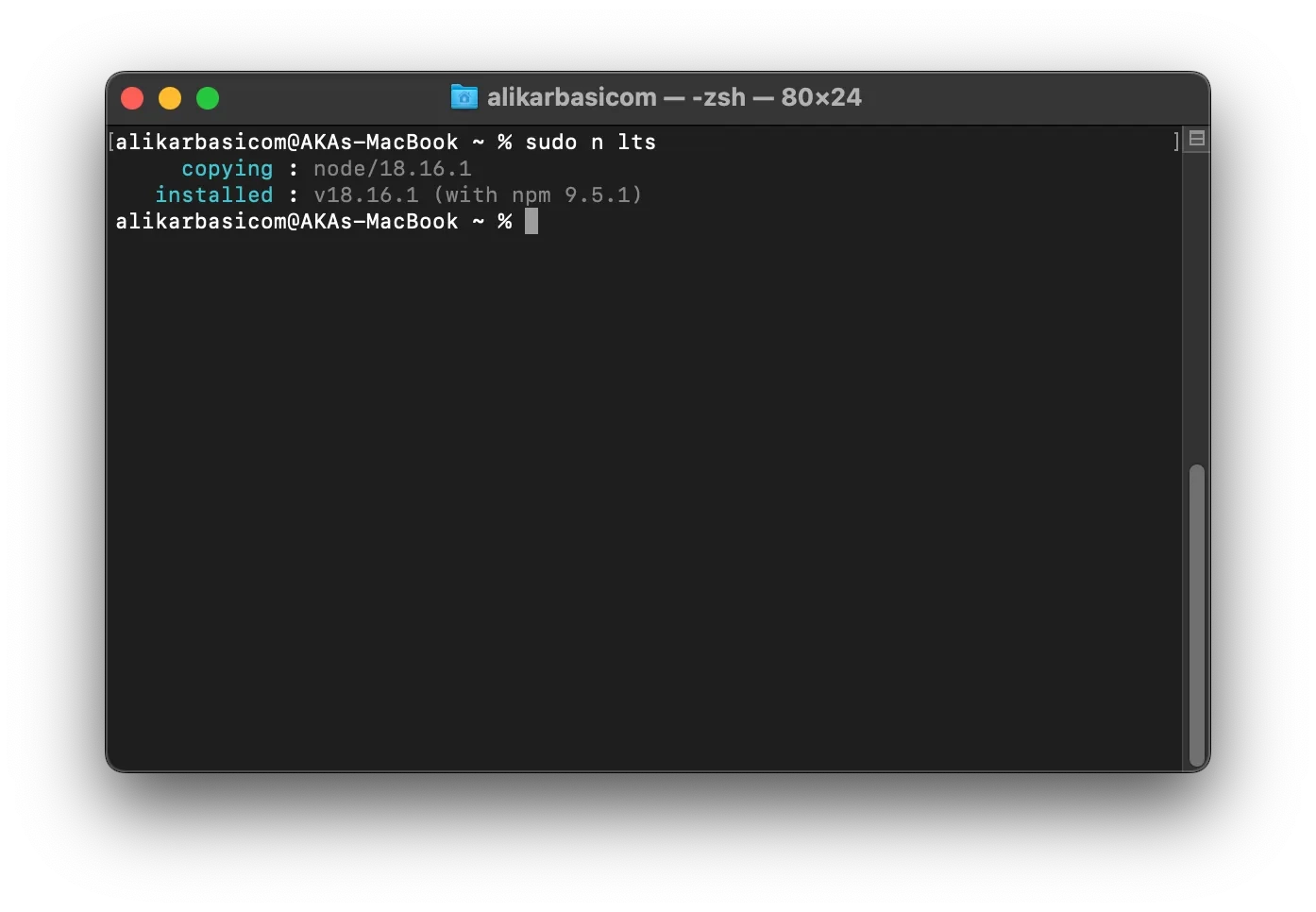
That’s all! You can confirm the successful update by checking your Node.js version once again.
Happy coding :D
Comments